
How To Add Adsense Above The Comment System
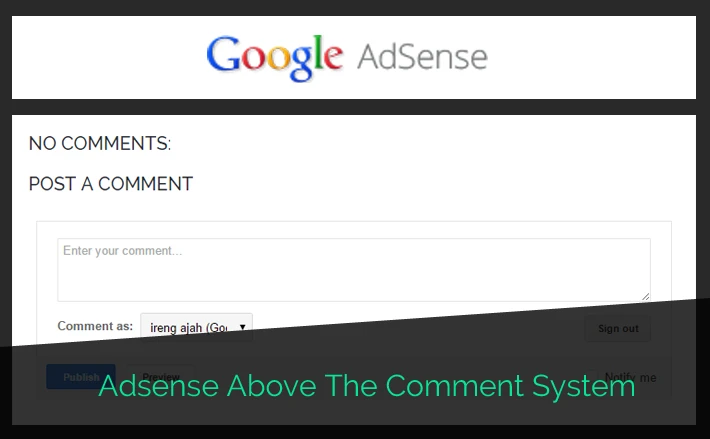
Another place to add Adsense in post section is at the end of post or above the comments system. Maybe this place is not familiar. If your blog support related posts (link or with thumbnail), this Adsense inserted below of it
Go to Template > Edit HTML. Add this code below before
Then, find this code
Insert this code below before that code
Save
* You can add another advertisement or banner ads
No demo live for this tutorial but we have tested and works well
Go to Template > Edit HTML. Add this code below before
]]></b:skin>.inside-ad {
display:block;
margin:20px 0;
padding:0;
oveflow:hidden
}- you can edit the CSS code such as background, border, margin, etc
- recommended size : Adsense responsive type
- recommended size : Adsense responsive type
Then, find this code
</b:includable>
  <b:includable id='postQuickEdit' var='post'>
Insert this code below before that code
<div class="inside-ad">
<-- YOUR ADSENSE CODE HERE -->
</div>
Save
* You can add another advertisement or banner ads
No comments:
Post a Comment